




Building AI Agents with Phyllis
The newest build surface in ServiceNow isn’t a form or a flow — it’s an agent. AI Agent Studio arrived with Now Assist, and with it a new kind of artefact: agents that read context, make a decision, call tools, and act inside your instance.
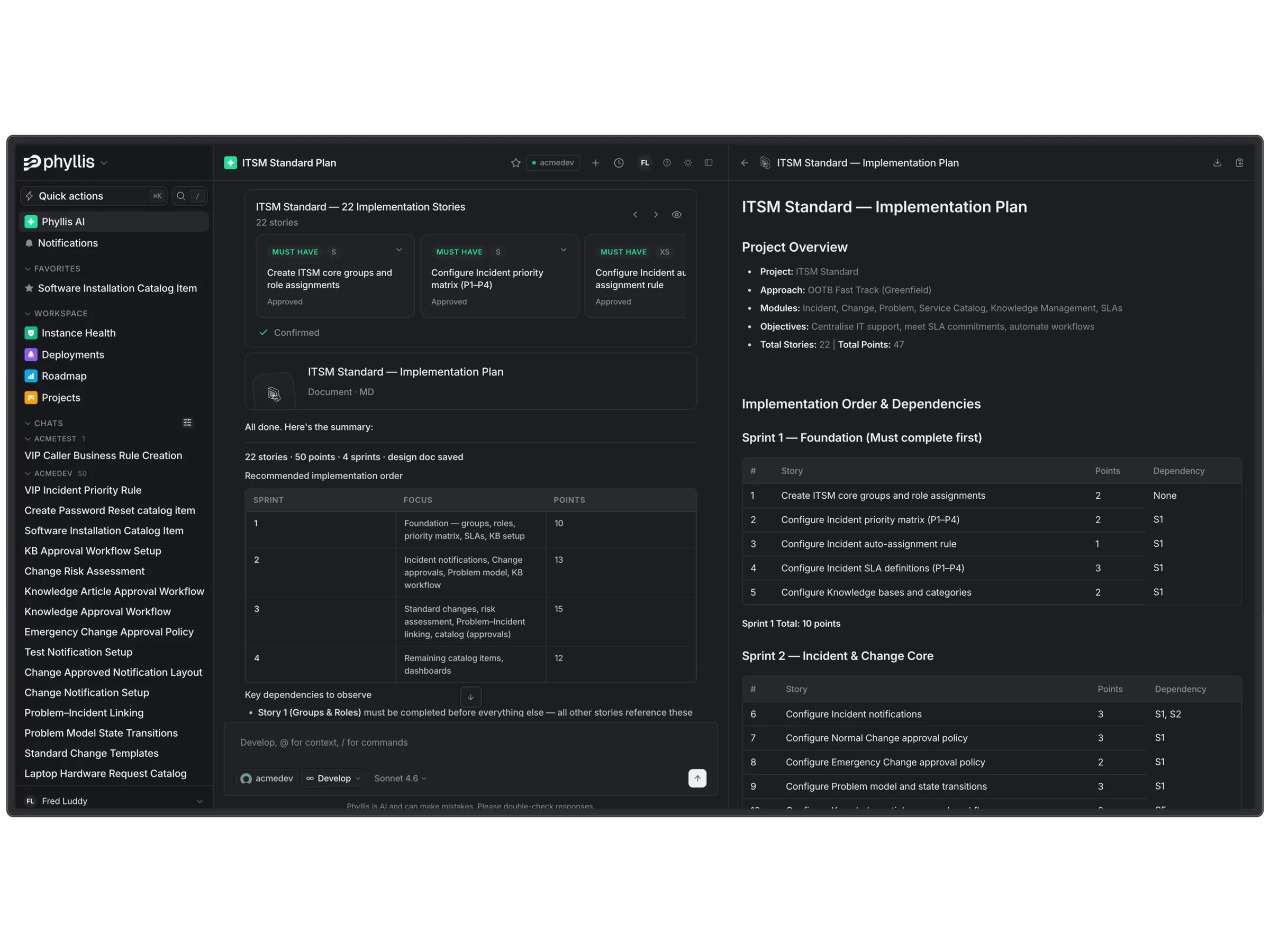
Most teams’ first agent stalls for the same reason first flows used to. An agent isn’t one record. A working agent is its instructions, its tools, the tables those tools touch, the guardrails around all of it, and the tests that prove the whole thing behaves — assembled across half a dozen studios, usually by hand, usually scoped by hope.
Phyllis builds agents the way she builds everything else on the platform: grounded in your instance, assembled as real records, and staged for your approval.
Start in your own words
“Build an agent that triages inbound HR cases — read the description, pick the HR service, set the priority, and draft a first response for the agent to review.” That’s the brief. That’s all the brief needs to be.
Before she proposes anything, Phyllis reads the estate the agent will live in: your case types and services, your assignment rules, your knowledge bases, the fields your team actually fills in. The difference between an agent that demos well and an agent that survives production is exactly this grounding — and it’s the part hand-built agents usually skip.
What she actually builds
- The agent itself — role, instructions, and tone, written against your data model rather than a generic template.
- Its tools — record operations for the tables it works, script tools where real logic is needed, and retrieval grounded in your knowledge bases, so answers cite your content.
- Its entry points — where the agent shows up: a case queue, a catalog item, a chat surface.
- Its guardrails — what it may read, what it may write, and where it must stop and hand off to a human.
All of it lands as records in one scoped update set, with a design document alongside — the same reviewable package as any other Phyllis build. Your architect reads what the agent is, what it touches, and why, before any of it exists outside the update set.
Tested like software — because it is
Agents fail in ways flows don’t: a tool call that works on the happy path, an instruction that drifts when the input gets messy, a retrieval source that quietly went stale. So testing isn’t an afterthought — conversation cases run against the agent, tool calls are verified against the records they should touch, and ATF covers the platform artefacts underneath.
And because an agent lands in a live estate, the build ends the way every Phyllis build ends: an Instance Scan across the estate it touched, findings cited to the record, fixes staged for your sign-off.
Agents inherit your security model
An agent Phyllis builds doesn’t get superpowers. It operates inside the roles and ACLs you already govern, its actions are auditable, and the handoff points are explicit. The same rule that governs Phyllis governs every agent she ships: nothing changes your instance without your approval.
Three good first agents
- Case triage — HRSD, CSM, or ITSM: read the intake, route it correctly, draft the first response.
- Catalog guidance — turn “my laptop is broken” into the right catalog item, filled in correctly, first time.
- Queue briefings — a morning summary per assignment group: what changed, what’s stuck, what breached overnight.
If you can describe the job in a sentence, Phyllis can stage the agent that does it — and you approve what ships. Book a demo, or see what she builds for Now Assist & AI Agents.
Error-handling logic in a payment flow
Another major learning was how explanations surfaced risky logic patterns that had gone unnoticed for years. By describing code the way a senior engineer would, Phyllis implicitly highlights inconsistencies, dead paths, unreachable branches, suspicious async chains, or implicit coupling. In one case, a customer discovered a subtle retry bug that had caused unpredictable behavior for months, simply because the explanation pointed out that the function sometimes returned a pending Promise instead of a resolved one.
In another, the system identified that the error-handling logic in a payment flow silently swallowed exceptions that should have been surfaced upstream. These weren’t traditional “bugs”; they were decisions that made sense once but became liabilities over time — exactly the kind of things human-written documentation rarely captures.
Phyllis dynamically understands
Under the hood, the entire system was built to work with real-world production codebases, not sanitized examples. This means it handles messy patterns, legacy modules, deeply nested components, and frameworks like React, Next.js, Express, Django, Laravel, and more.
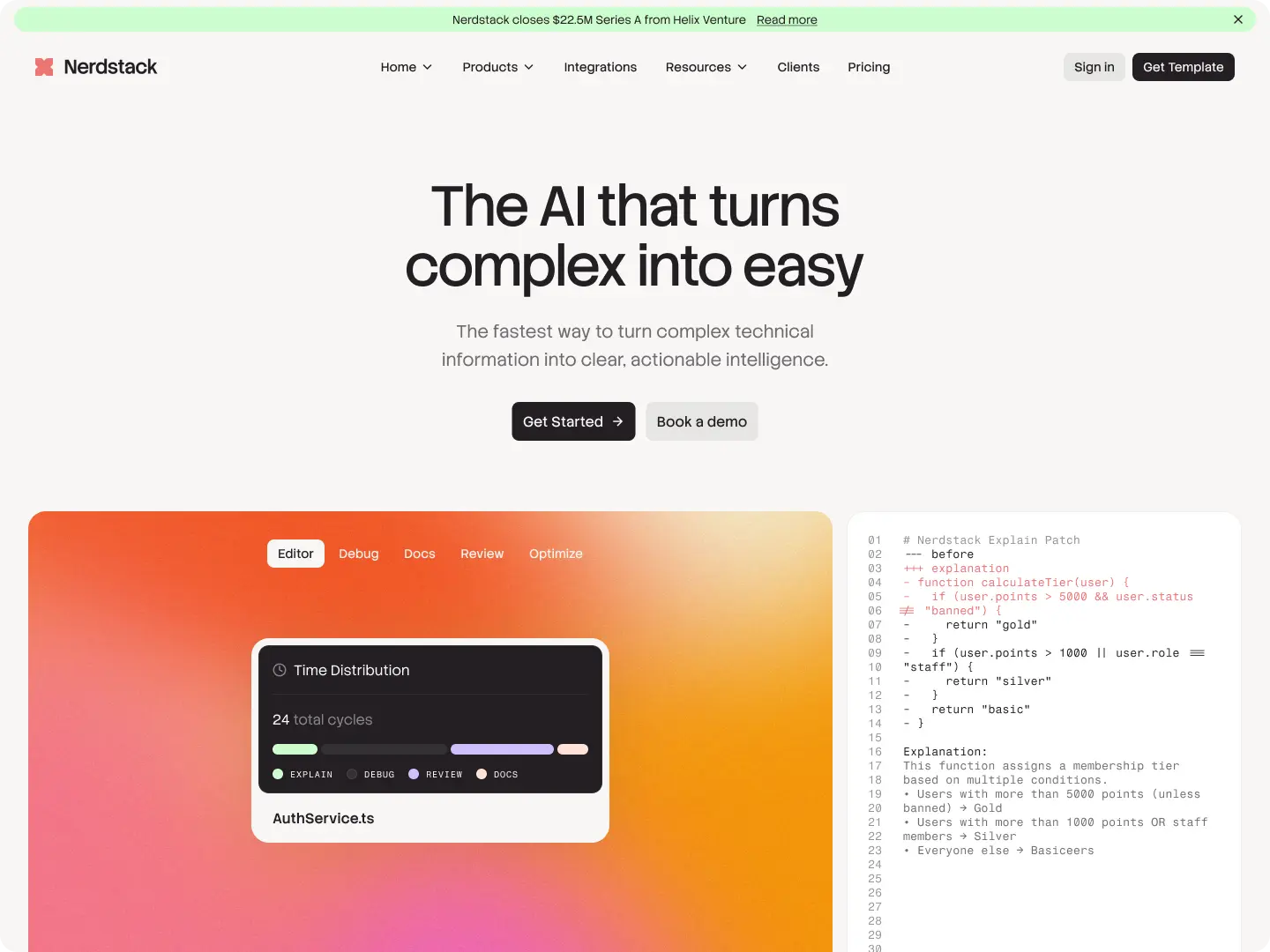
Phyllis dynamically understands how a function interacts with external systems, state, and dependencies. It maps out the control flow, identifies side effects, and extracts behavior across different execution paths. Unlike static analysis tools that often stop at type information, she interprets intent — why a function exists, not just what it does syntactically. That difference is what turns explanations from technical summaries into something humans can actually rely on when making decisions.